Edit Existing PDF Text for Free
Most PDF editors only let you add "whiteout" or text boxes on top. With pdfedit.best, you can click on any existing text and change it directly.
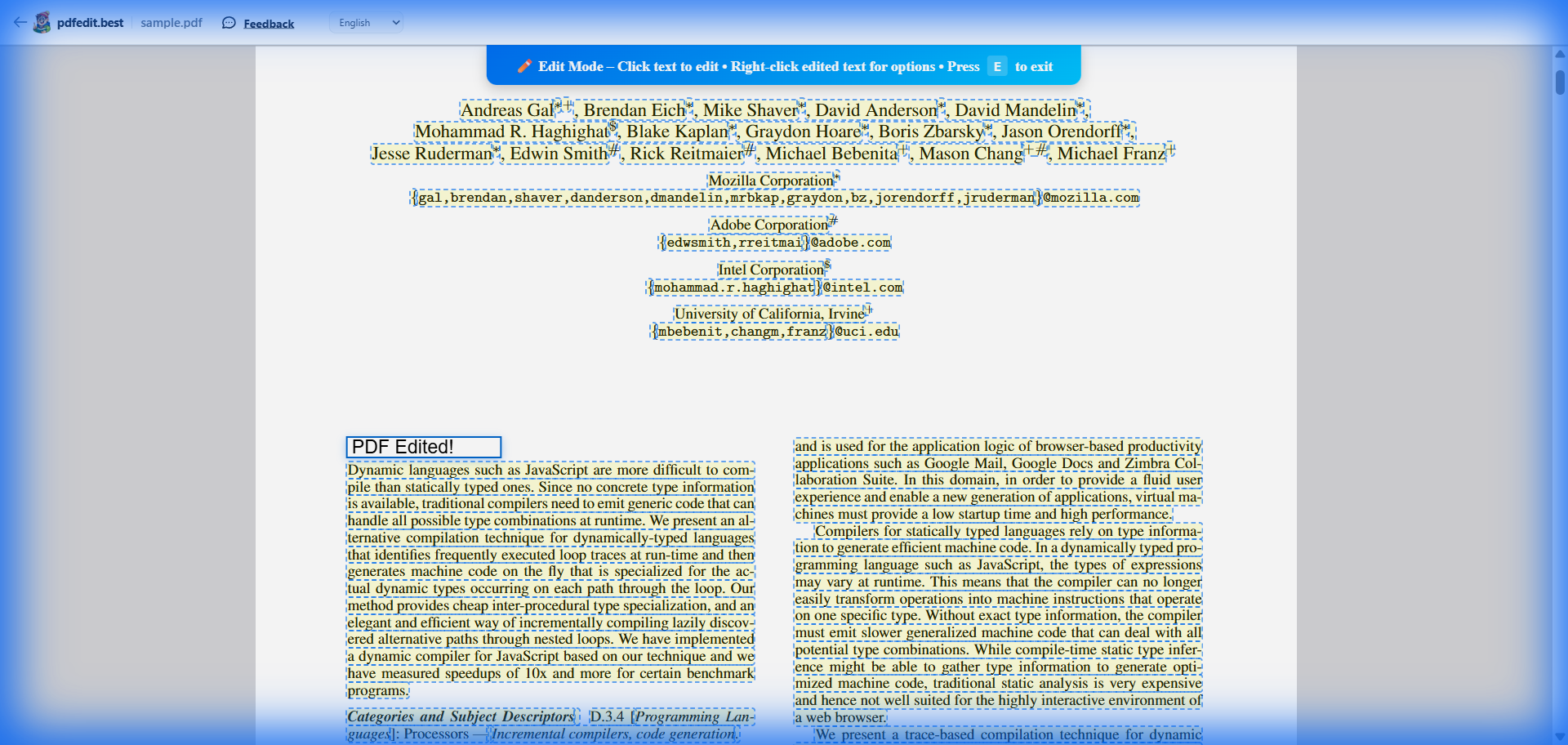
Live screenshot: editing text directly inside a PDF document
Why Editing PDF Text Is Usually Hard
PDF files are designed to preserve layout, not to be edited like Word documents. This is why most "free" tools online actually just let you draw on top of the PDF. They can't "see" the text inside.
Our breakthrough approach: We use advanced web technologies to extract the exact position, font, and size of every character in your PDF. This allows you to modify the content as if you were using a professional desktop application.
How to Edit PDF Text Online
Upload PDF
Drag and drop your file. We work entirely in your browser, so your files are 100% private.
Click & Type
Switch to the 'Edit Content' tool. Click on any paragraph, name, or number and start typing.
Save & Export
Download your edited document. No watermarks, no fees, no registration required.
What can you edit?
Fix Typos & Names
Correct spelling errors or update names in contracts instantly.
Update Dates & Prices
Change numbers in invoices, proposals, or reports without starting over.
Change Paragraphs
Edit larger blocks of text while maintaining the original layout.
Remove Content
Delete text blocks entirely if you don't need them in the final version.
Frequently Asked Questions
Can I really edit text in an existing PDF for free?
Will there be a watermark on my edited PDF?
Do I need to create an account to edit PDF text?
Is my PDF safe? Where are my files stored?
More Free PDF Tools
Start Editing Your PDF Right Now
No software to install. No accounts to create. Completely free, forever.
Upload Your PDF — It's Free →Works on Windows, Mac, Linux, or any mobile device