The Free PDF Editor with No Watermark
Most "free" PDF editors hit you with a massive logo on your document once you're done. pdfedit.best stays clean, professional, and completely free.
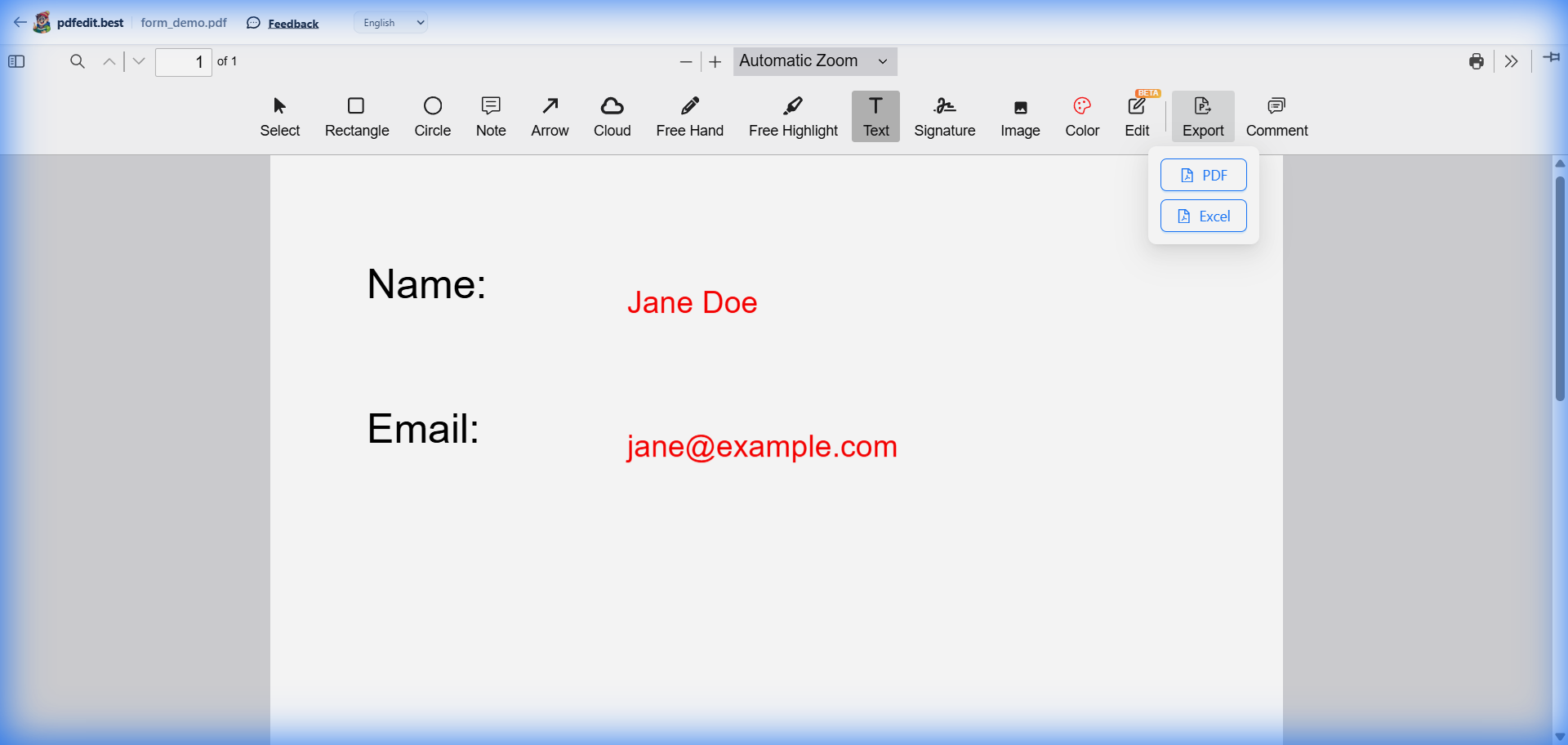
Live screenshot: clean export with PDF & Excel options — zero watermarks
Why Other Editors Add Watermarks
Many online PDF tools use "watermarking" as a psychological tactic to force you into a paid subscription. They let you do all the work, and then hold your professional document hostage unless you pay or accept their branding.
- Ruins your professional appearance
- Required a "Pro" subscription to remove
- Tied to annoying daily limits
Full Feature List (Still 100% Free)
Advanced Editing
Modify existing text, change fonts, and update images without leaving your browser.
Digital Signatures
Draw, type, or upload your signature and place it anywhere on any page.
Form Filling
Complete any PDF form, check boxes, and add dates with zero hassle.
Any Format
Convert Word, Excel, PowerPoint, and Images to PDF and edit them instantly.
100% Private
Your files never leave your device. All processing happens locally in your browser.
No Signup
Start editing immediately. No email required, no accounts to create, no passwords.
Frequently Asked Questions
Why do other free PDF editors add watermarks?
Is pdfedit.best really 100% free with no hidden charges?
How does pdfedit.best make money then?
Explore All Free PDF Tools
Professional PDF Editing. Zero Watermarks.
Join thousands of users who switched to pdfedit.best for speed, privacy, and clean exports.
Edit Your PDF Free — No Watermark →Works on Windows, Mac, Linux, iPhone, and Android