Smallpdf vs pdfedit.best
Looking for the best way to edit your documents? We compared the world's most popular PDF tool with the newcomer built for privacy and performance.
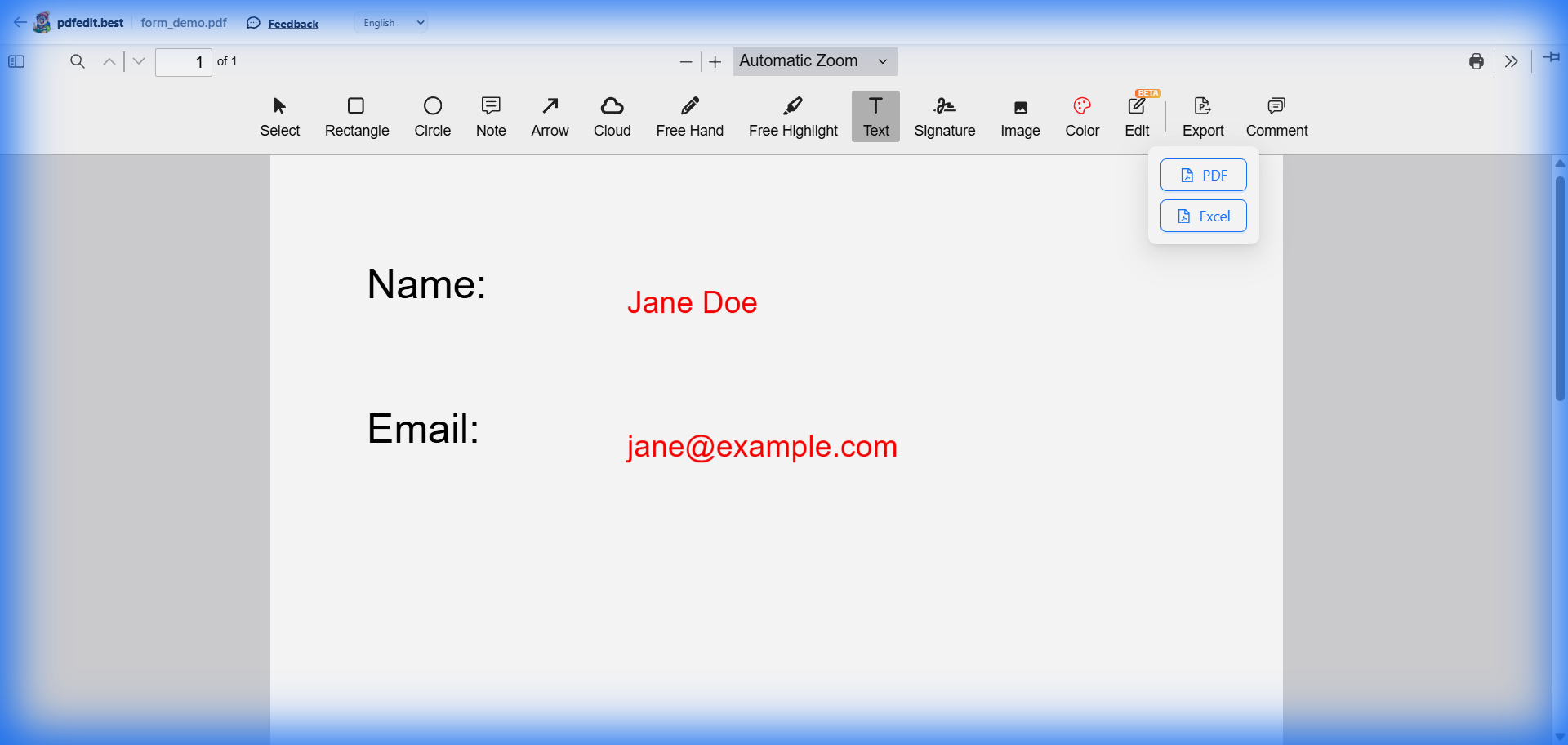
pdfedit.best: full-featured PDF editing, completely free
| Feature | Smallpdf | pdfedit.best |
|---|---|---|
| Price | $12/mo (Pro) | 100% Free |
| Watermark Free | Paid Only | Always |
| Signup Required | Yes | No |
| Privacy | Files Uploaded to Server | Local (Browser Only) |
| Limits | 2 tasks / day (Free) | Unlimited |
| Edit Original Text | Pro Feature | Free Feature |
Why Switch to pdfedit.best?
1 True Privacy
Smallpdf and other online tools require you to upload your sensitive documents to their servers. pdfedit.best processes everything locally in your browser. Your files never leave your computer.
2 No Hidden Limits
Nothing is more frustrating than finishing an edit and being told you've reached your "daily limit." We offer unlimited tasks and unlimited downloads, for everyone, forever.
What Smallpdf Does Well
We'll be honest — Smallpdf is a great tool for a reason. They have a massive suite of features and enterprise-grade support.
Choose Smallpdf if:
- You need heavy-duty OCR (scanned PDF conversion)
- You need bulk processing for 100s of files
- You are part of a massive corporate team
Choose pdfedit.best if:
- You want a professional result without a watermark
- You care about your document privacy
- You need a true editor, not just an annotator
Frequently Asked Questions
Is pdfedit.best really a good alternative to Smallpdf?
Does Smallpdf upload my files to their servers?
Can pdfedit.best convert PDFs like Smallpdf does?
Explore All Free PDF Tools
Ready to try a better free PDF editor?
No limits. No watermarks. No file uploads. Just open and edit.
Try pdfedit.best Free — No Limits →Works on Windows, Mac, Linux, iPhone, and Android