Fill PDF Forms Online for Free
Type into text fields, check boxes, and add dates. From tax forms to job applications, fill any PDF form directly in your browser.
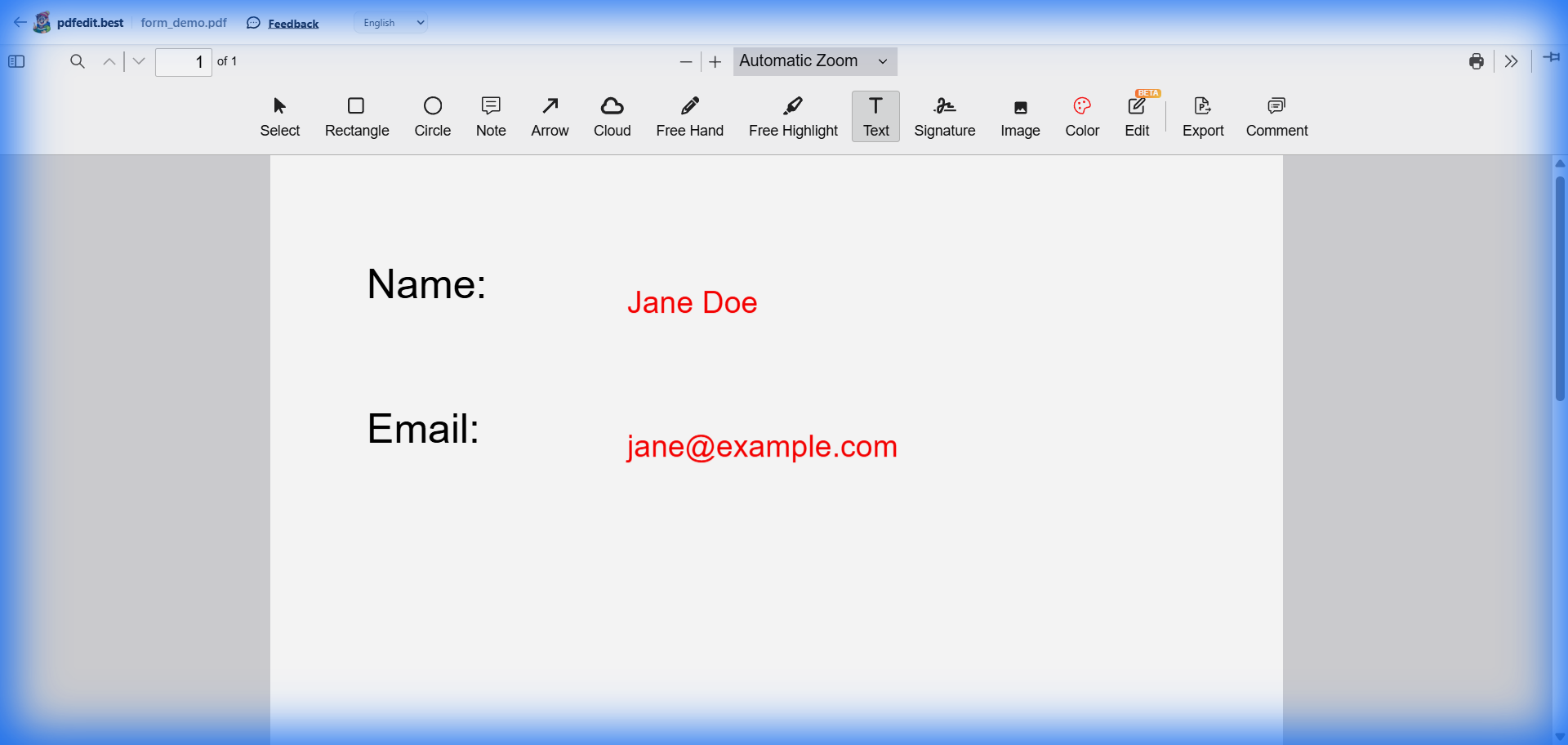
Live screenshot: filling out a PDF form directly in the browser
How to Fill a PDF Form in 3 Steps
Upload Form
Click to upload your PDF form. We support both interactive and non-interactive PDFs.
Fill Out
Simply click on fields to type, or use the text tool to add information anywhere on the page.
Download
Save your completed form. No watermarks are added to your document.
Common Forms You Can Fill
Tax Documents
Easily complete W-9, 1040, or any other government tax form without printing.
Job Applications
Fill out employment forms and applications quickly and professionally.
Medical Intake
Complete patient registration and health forms before your appointment.
School Enrollment
Fill out school registration, permission slips, and extracurricular forms.
No Software to Install
Forget Adobe Reader or complex desktop tools. pdfedit.best works 100% in your web browser. This means you can fill forms on your laptop, tablet, or even your smartphone.
- Works on Windows, Mac, and Linux
- iPhone & Android compatible
- Instant loading — no waiting
Frequently Asked Questions
Can I fill out non-interactive PDF forms?
How do I check boxes in a PDF form?
Is there a charge for filling out PDF forms?
More Free PDF Tools
Stop Printing. Start Filling.
The easiest way to complete PDF forms online — 100% free, forever.
Upload Your Form — It's Free →Works on Windows, Mac, Linux, iPhone, and Android