Sign Any PDF Online for Free
Draw, type, or upload your signature. Place it on any page, resize it, and download your signed document instantly.
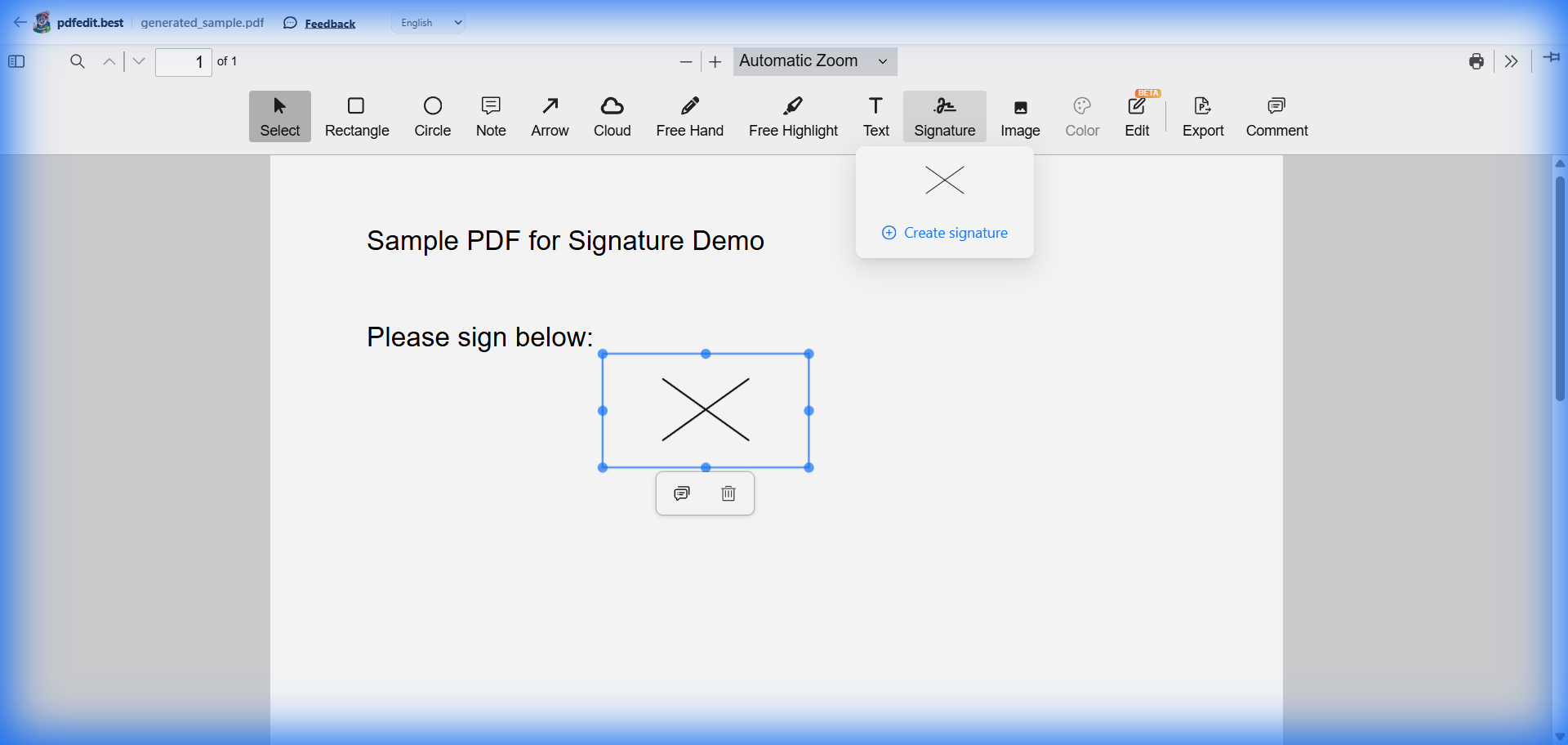
Live screenshot: placing a hand-drawn signature on a PDF document
Draw
Use your mouse, trackpad, or touchscreen to draw a natural signature.
Type
Type your name and choose from professional handwriting-style fonts.
Upload
Already have a scan of your signature? Upload it and place it on your PDF.
What Can You Sign With pdfedit.best?
100% Private Signing
Unlike other "online" signers that store your signature on their servers, pdfedit.best processes everything locally. Your signature image or drawing stays in your browser and is never uploaded.
Frequently Asked Questions
Is signing PDFs online with pdfedit.best secure?
Can I draw my signature with a mouse?
Is there a limit to how many PDFs I can sign?
More Free PDF Tools
Sign Your First Document for Free
No signup, no download, no watermark. Just upload and sign.
Upload & Sign Now — It's Free →Works on Windows, Mac, Linux, iPhone, and Android